
Training periods help you organize training assignments by time frame and line of business.
How to create a training period
-
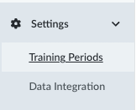
Go to Settings, then select Training Periods.
-
Click + New Training Period above the table.
-
Complete the form that appears, including the following fields:
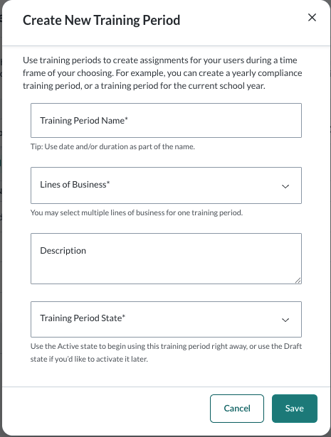
- Training Period Name
- Lines of Business (select one or more, if applicable)
- Description
- Training Period State:
- Active
- Draft
- Archived
-
When you are finished, click Save to create the training period.
Note: Only training periods set to Active appear when you create an assignment.
How to edit a training period

- Locate the training period in the table.
- Under the Actions column, click Edit.
- Make your changes, then click Save.