
Some courses in Foundry provide a completion certificate after a learner finishes all required course content.
To access a certificate, learners must log in to Foundry and open their Learner Dashboard.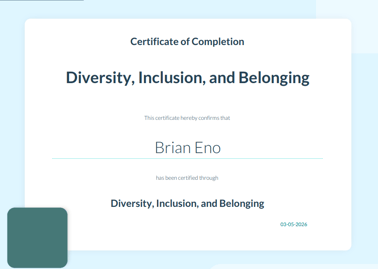
Download a completion certificate 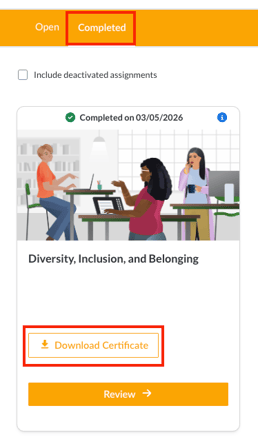
- Log in to Foundry
- Open the Completed tab on the Learner Dashboard
- Locate the completed course
- Select Download Certificate to download the certificate as a PDF
Important notes
- Not all courses include a completion certificate
- The Download Certificate option only appears after the course is fully completed
- Certificates are downloaded as PDF files
If a learner does not see a certificate, it may be because the course does not offer one or the course has not been completed.